Components
Scanner Reveal
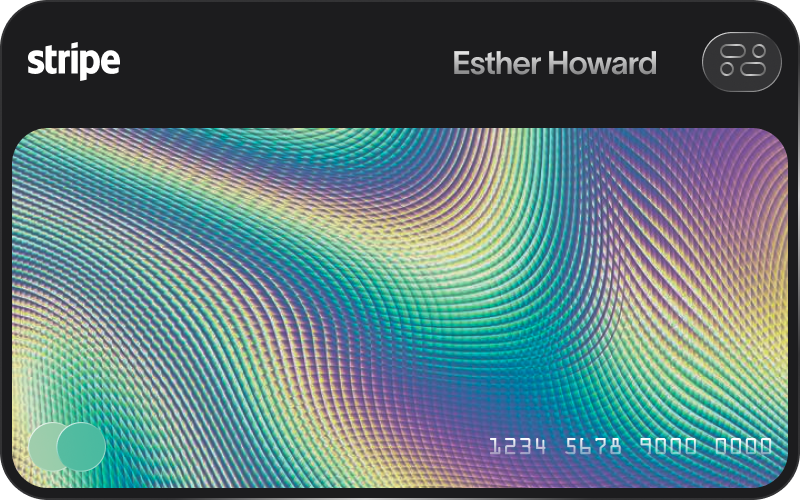
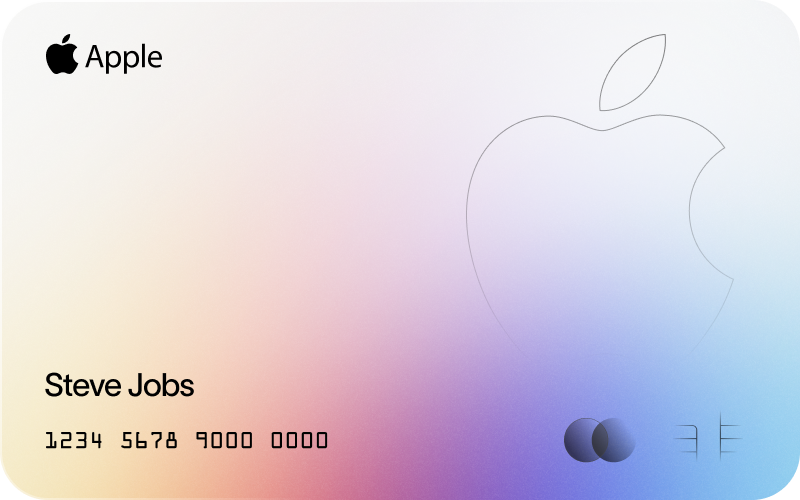
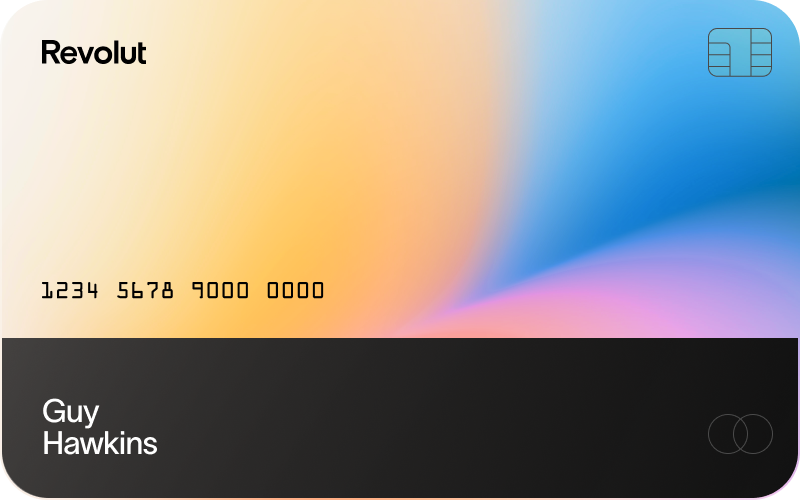
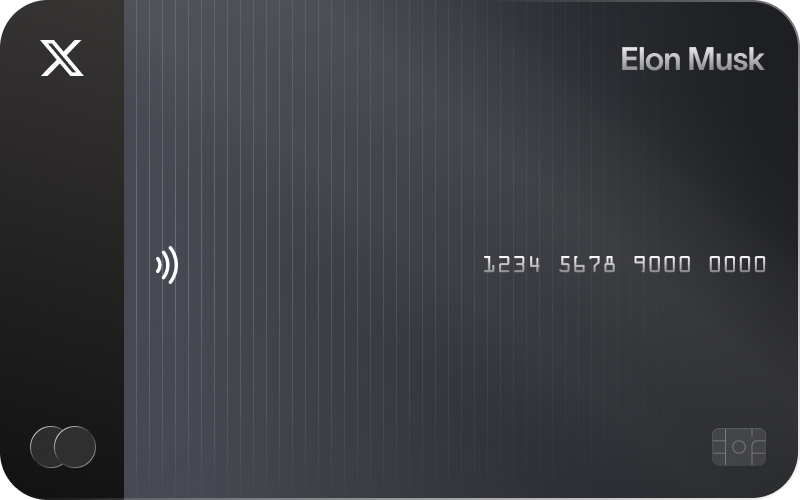
An animated card stream component with a scanner effect that reveals ASCII art as cards pass through.
Installation
Loading installation instructions...
Usage
import { ScannerReveal } from "@/components/pluto-ui/scanner-reveal"<ScannerReveal
items={[
{ id: "1", image: "/path/to/image.jpg" },
{ id: "2", image: "/path/to/image2.jpg" },
]}
/>Props
| Prop | Type | Default | Description |
|---|---|---|---|
items | ScannerRevealItem[] | required | Array of items to display in the stream |
className | string | undefined | Additional CSS classes |
speed | number | 120 | Initial scrolling speed in pixels per second |
cardWidth | number | 400 | Width of each card in pixels |
cardHeight | number | 250 | Height of each card in pixels |
cardGap | number | 60 | Gap between cards in pixels |
showControls | boolean | true | Show play/pause, reset, and direction controls |
showSpeedIndicator | boolean | true | Show the current speed indicator |
scannerColor | string | "rgba(0, 255, 255, 1)" | Color of the scanner line |
particleIntensity | number | 0.8 | Intensity of particle effects (0-1) |
autoPlay | boolean | true | Start animation automatically |
onItemScanned | (item: ScannerRevealItem, index: number) => void | undefined | Callback when an item passes through the scanner |
ScannerRevealItem
| Property | Type | Description |
|---|---|---|
id | string | Unique identifier for the item |
image | string | URL of the image to display |
content | ReactNode | Custom React content to display (alternative to image) |
asciiContent | string | Custom ASCII art content (auto-generated if not provided) |
Examples
Basic Usage
Custom Content
Use React nodes instead of images:
Minimal Configuration
Minimal setup without controls:
With Callback
Track when items are scanned:
Features
- Interactive: Drag to scroll, mouse wheel support
- Smooth animations: RequestAnimationFrame-based animation
- Particle effects: Dynamic particle system that intensifies during scanning
- ASCII art reveal: Automatically generates code-like ASCII art that reveals as cards pass through the scanner
- Customizable: Control speed, colors, dimensions, and behavior via props
- Responsive: Adapts to window resizing
Notes
- The component requires a dark background for optimal visual effect
- The scanner line is positioned at the center of the viewport
- Cards automatically wrap when reaching the edges
- The particle system dynamically adjusts intensity when cards are being scanned
Credits
This component was inspired by the Scanner Reveal animation by @blacklead-studio on CodePen.